
Documentation often interrupts the encounter. Providers split attention between listening, typing, and structuring notes. The AI Scribe for Desktop captures the conversation and prepares structured documentation during the visit, so clinicians stay engaged while the system builds the note.
Clinicians speak with patients while the system captures the conversation in the background.
Dialogue is organized into clinical sections like HPI, ROS, Assessment & Plan, medications, and orders.
Notes are prepared in real time instead of after the visit.
Generated documentation aligns with templates and can be reviewed before finalizing.
Explore how our AI Scribe for Desktop functions with the demo below:
Understanding a patient encounter requires more than capturing words. The AI Scribe listens to the conversation and interprets it within the context of the visit, including appointment type, patient history, and clinical workflow.
As the discussion unfolds, the system organizes details into structured sections and distinguishes new information from prior history. The result is documentation that reflects both the conversation and the broader clinical context.
The system captures dialogue and interprets clinical meaning from the encounter.
Content is organized into HPI, ROS, Assessment & Plan, medications, and orders.
Prior history and visit details inform documentation continuity.
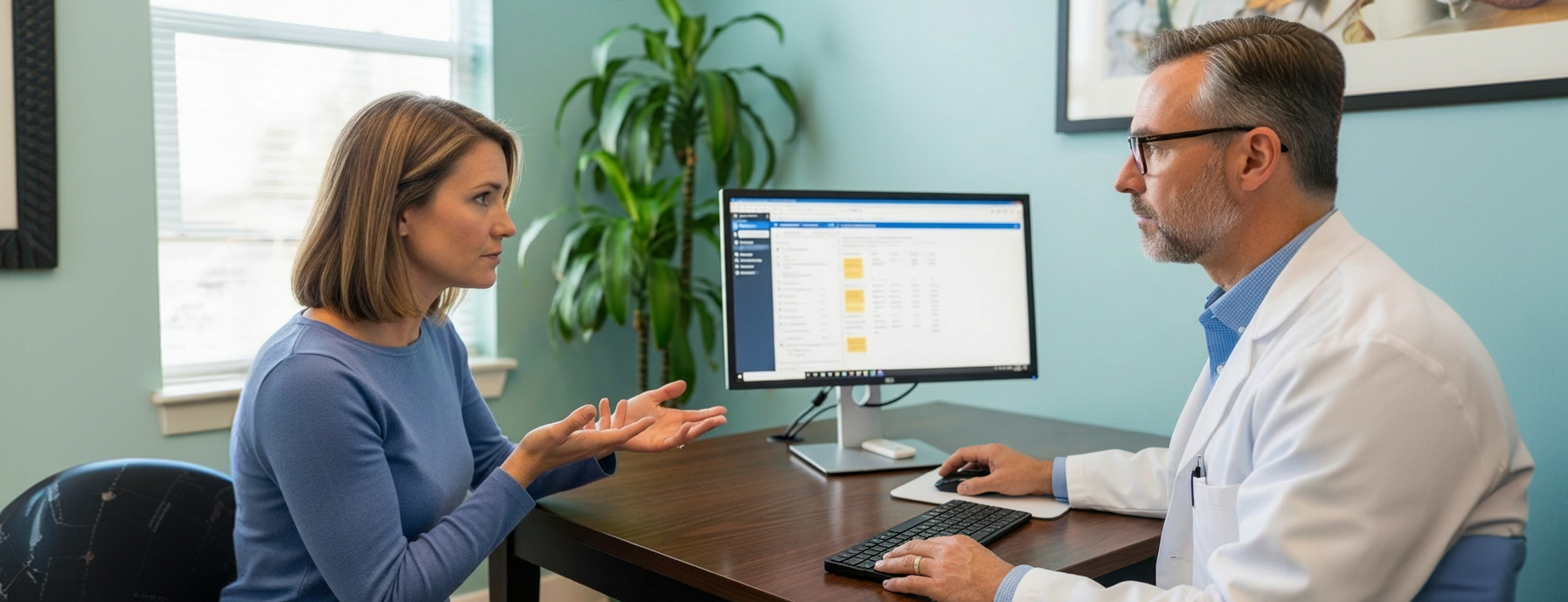
Consider a patient named Caroline.
Caroline describes her symptoms while her provider types notes. The conversation pauses as details are entered and clarified. Some questions are repeated to ensure accuracy.
After the visit, the provider continues documenting before the chart is complete to make the resulting information usable within their EHR.

Caroline speaks naturally with her provider. The system captures the conversation and structures the documentation in real time.
By the end of the visit, the note is already prepared. The provider reviews instead of building documentation from scratch.
Find out how the ROS agent can make an
impact to your practice.
Basic transcription tools capture everything that’s said. The AI Scribe for Desktop goes further by organizing the conversation into structured clinical documentation, aligned with your templates and workflow.
The system is designed to interpret clinical dialogue and organize it into meaningful sections. Providers still review and approve the note, ensuring accuracy before finalizing.
No. It supports your workflow by preparing the note during the encounter. You remain in control and can edit or refine the documentation before signing.
The system uses existing chart information to inform the note, helping distinguish between new findings and ongoing conditions.
No. It reduces interruptions by handling documentation in the background, allowing the conversation to flow naturally.
Yes. Documentation aligns with your templates and specialty-specific workflows.
Yes. All data is captured and processed through secure, HIPAA-compliant workflows.
A structured note is ready for review, so you can finalize documentation without starting from scratch.